Listing
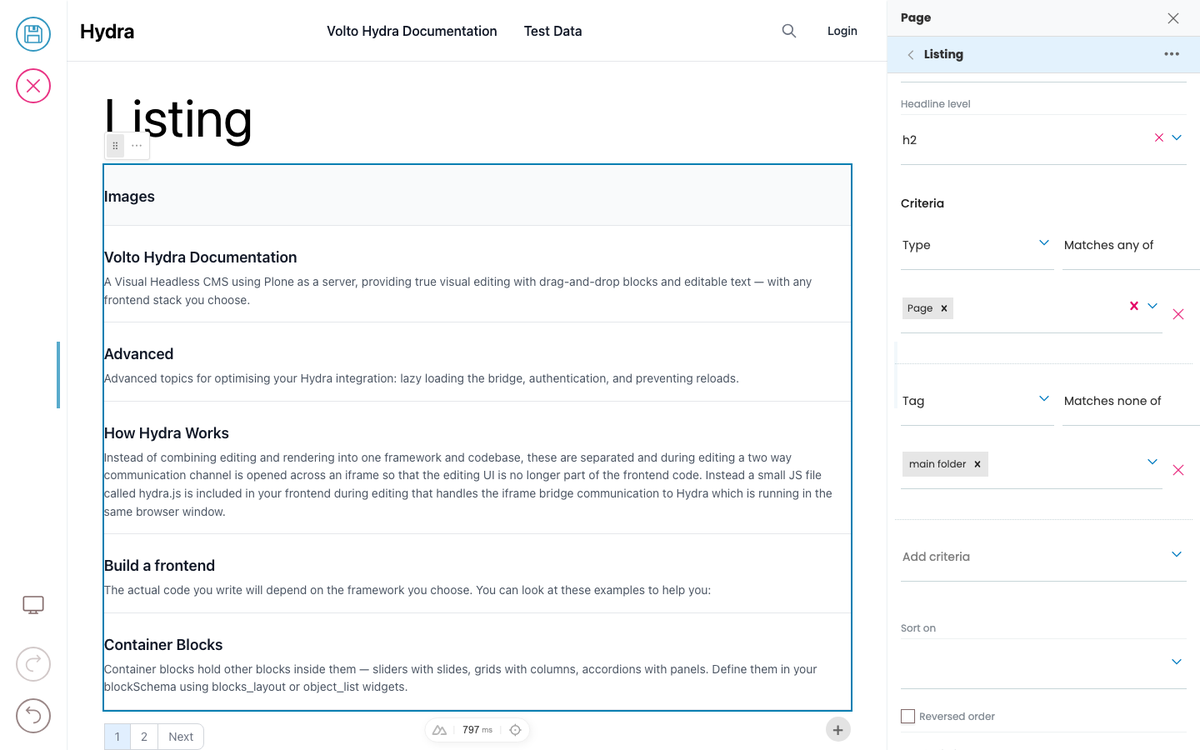
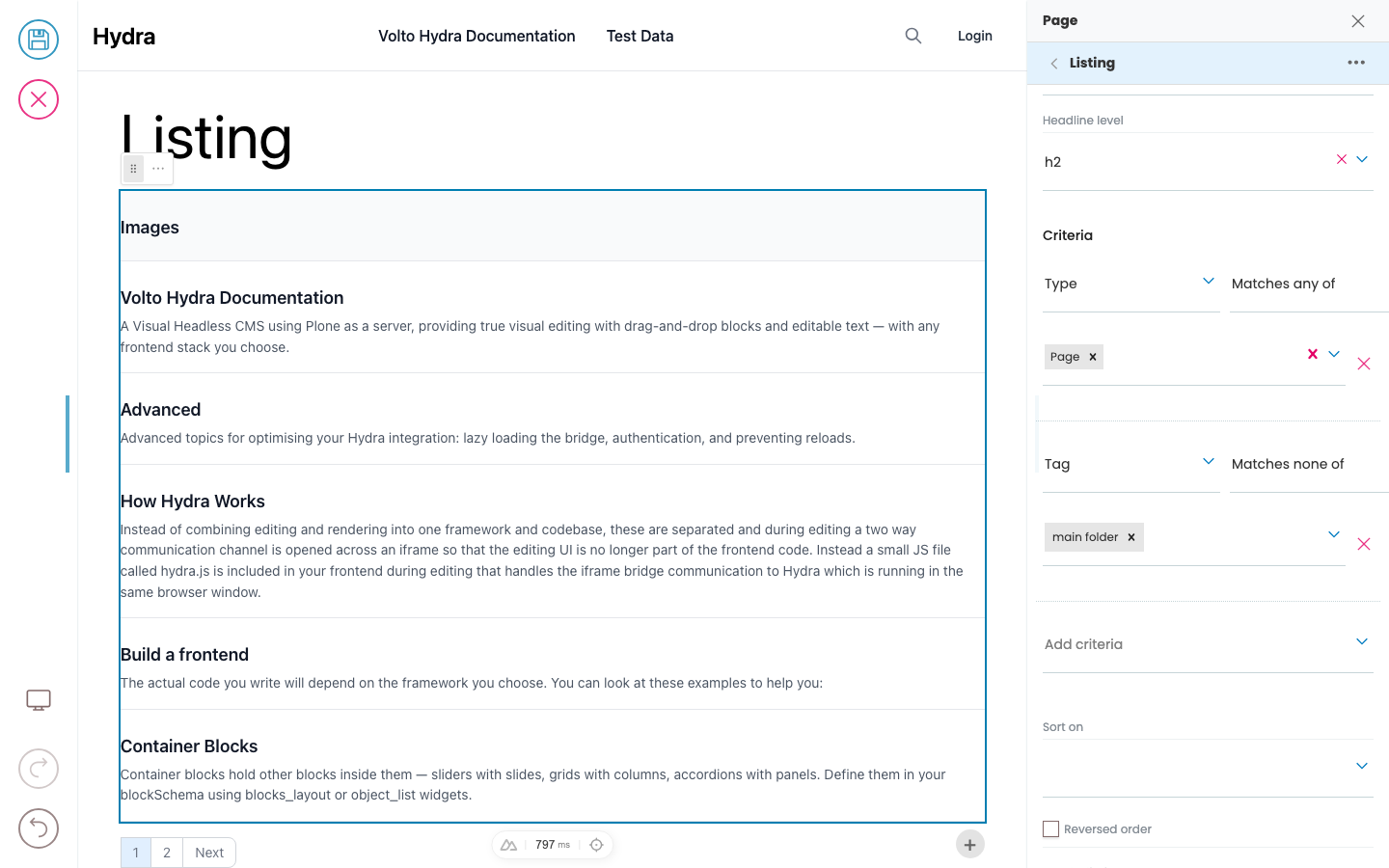
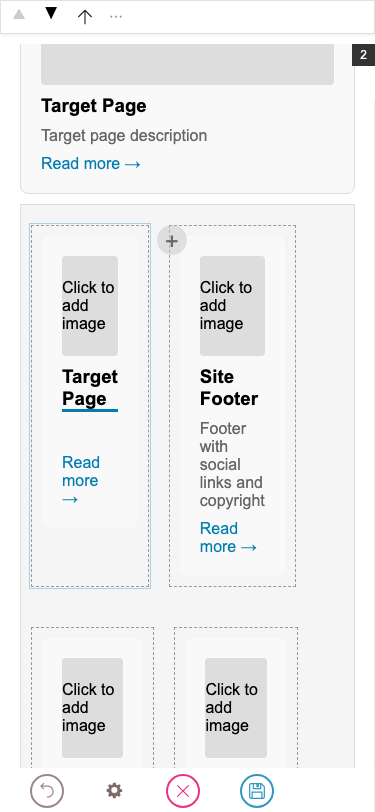
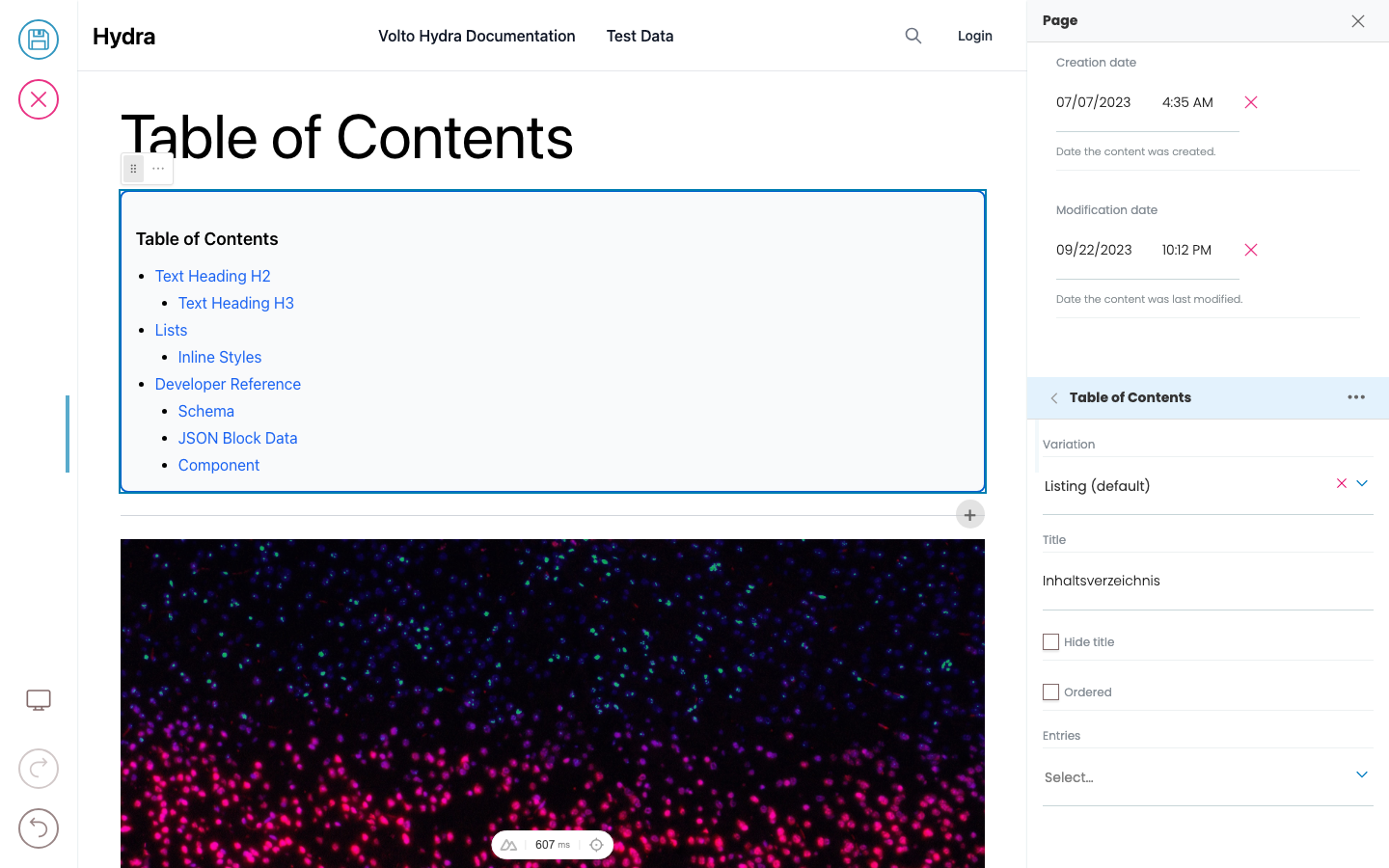
Displays a list of content items from a query. The listing block fetches items from the Plone catalog based on a querystring and renders each item using a configurable item type (variation). Built-in item types are default (title + description) and summary (title + description + image).
Search Shortcuts Block
Renders a set of values as links into a faceted search — a "tag cloud" of shortcuts. Each value links to a search page with ?facet.<index>=<value> pre-set, which a Search block reads from the URL.
Accordion
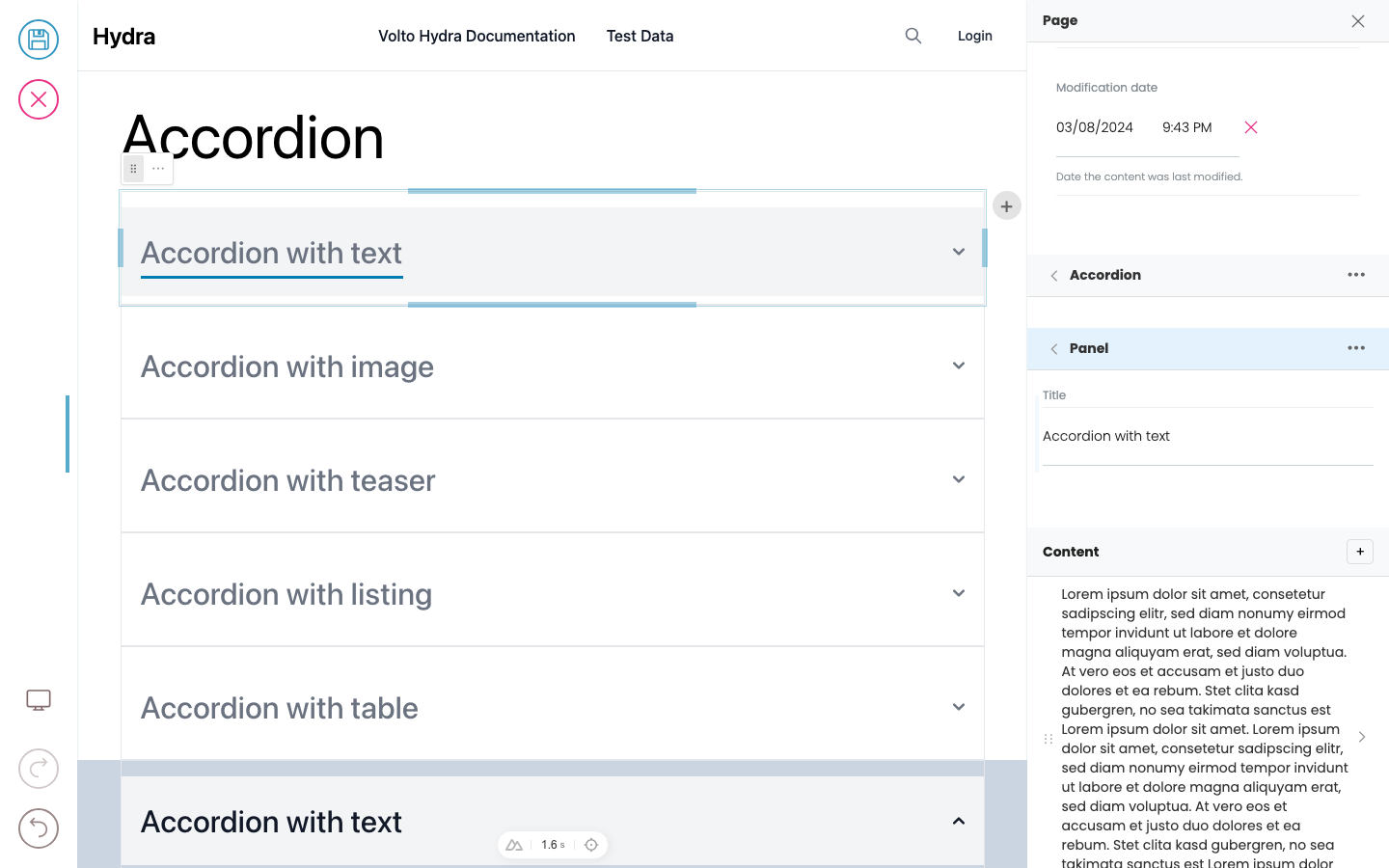
The accordion contains other blocks in an accordion behavior layout.
Adding and moving blocks
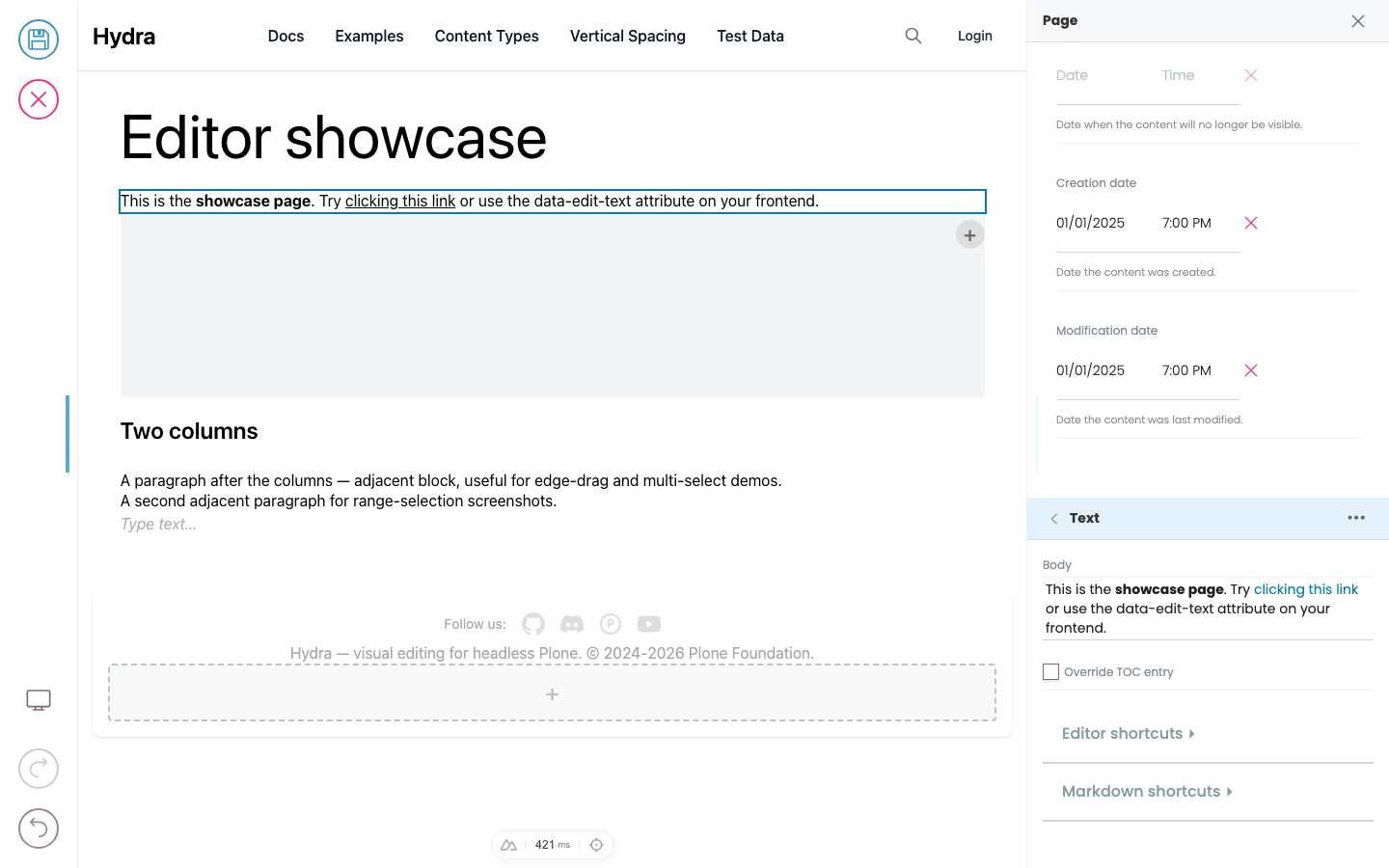
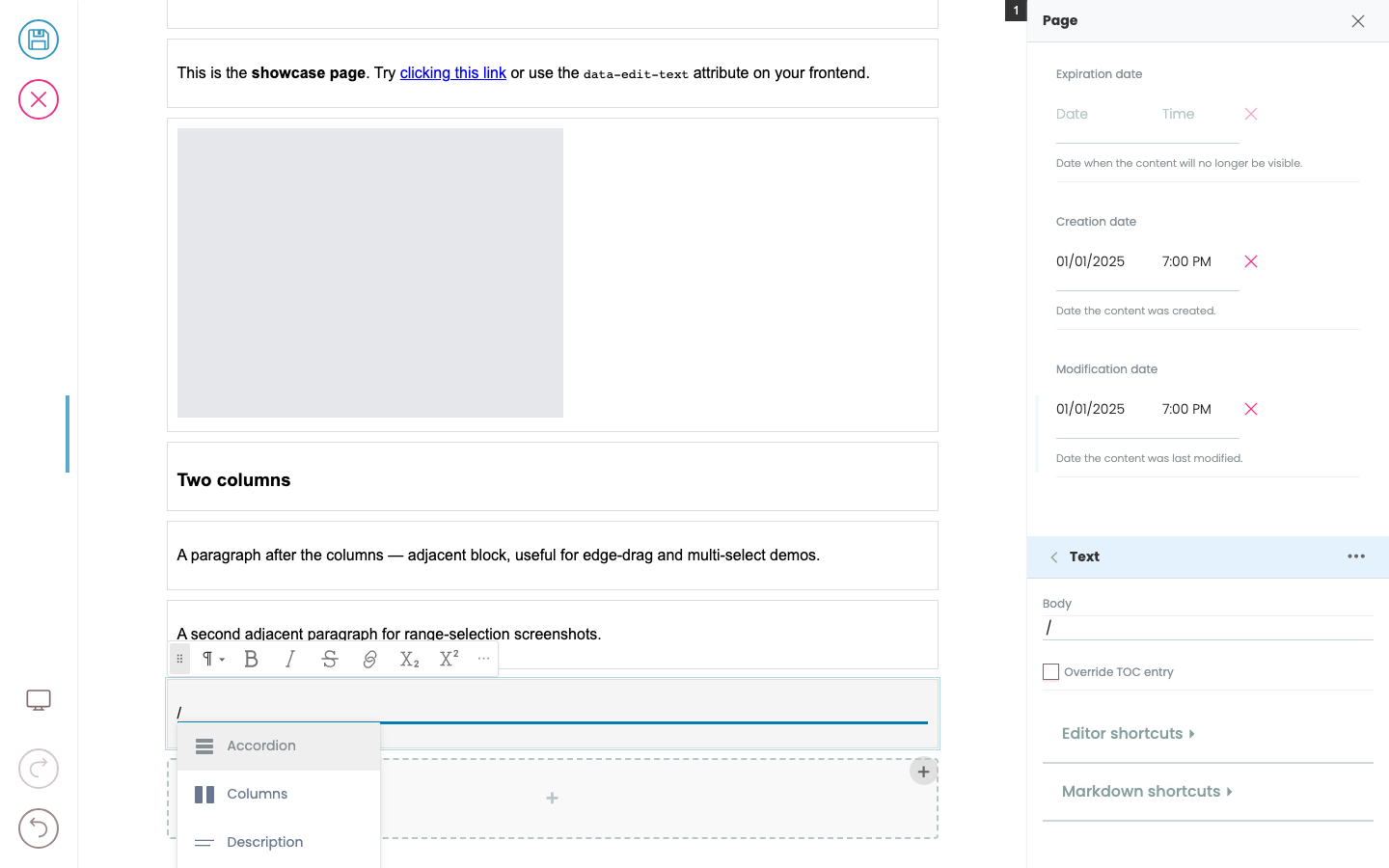
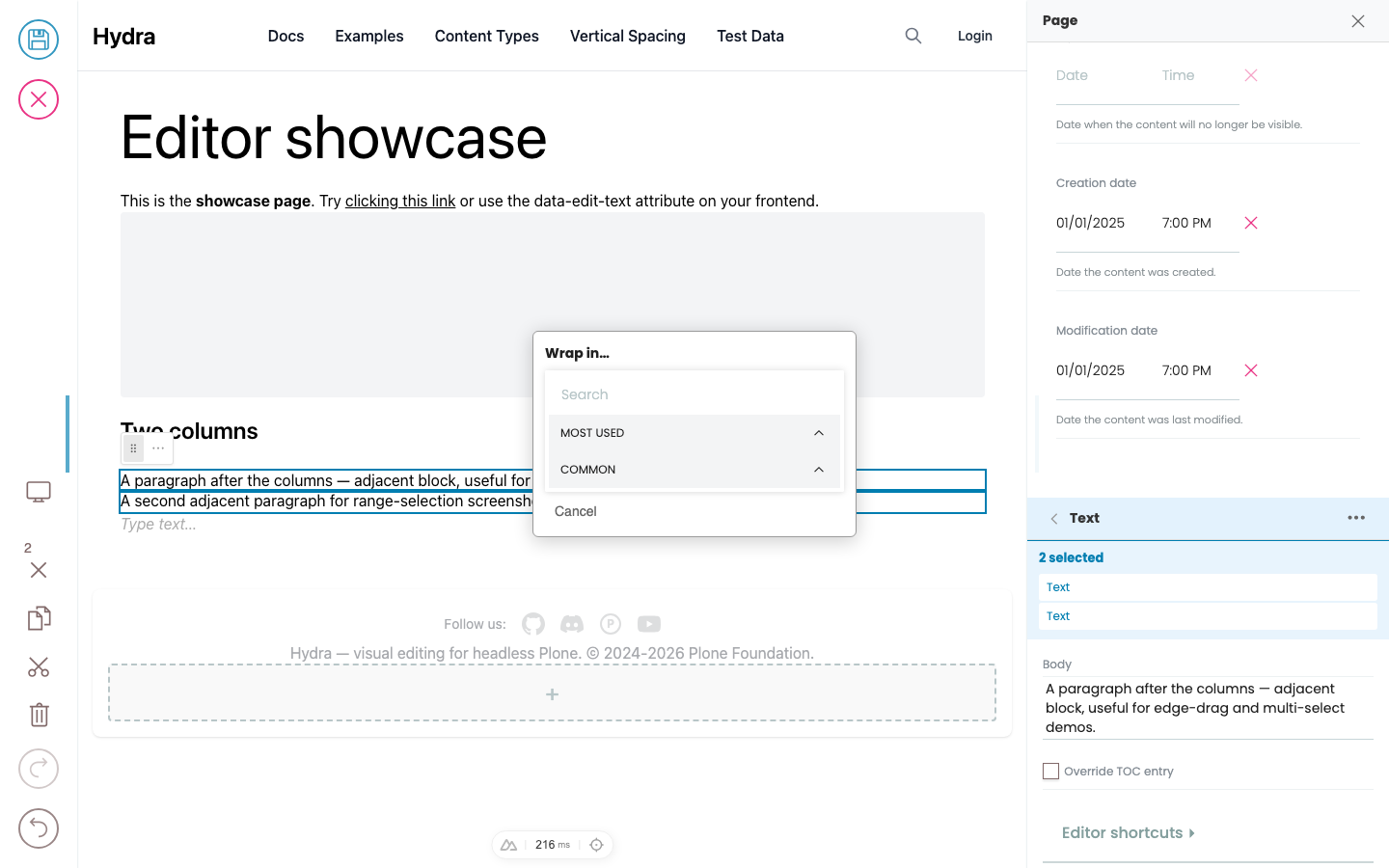
The block chooser, slash menu, and drag handles are part of Hydra and look the same everywhere. What you can pick from those choosers — the list of block types — comes from your site's design system. One site might offer "Lead paragraph", "Pull quote", "Stat highlight"; another might just have "Text" and "Image". Mechanic is identical.
Advanced
Advanced topics for optimising your Hydra integration: lazy loading the bridge, authentication, and preventing reloads.
How Hydra Works
Instead of combining editing and rendering into one framework and codebase, these are separated and during editing a two way communication channel is opened across an iframe so that the editing UI is no longer part of the frontend code. Instead a small JS file called hydra.js is included in your frontend during editing that handles the iframe bridge communication to Hydra which is running in the same browser window.
Block Reference Layout
Template for code examples at the bottom of block reference pages




Developer Reference
Schema
Pass this object inside the blocks option when calling initBridge() to register this block type with the admin UI. See Custom Blocks for the full setup guide.
{
  "listing": {
    "itemTypeField": "variation",
    "schemaEnhancer": {
      "inheritSchemaFrom": {
        "mappingField": "fieldMapping",
        "defaultsField": "itemDefaults",
        "filterConvertibleFrom": "@default",
        "title": "Item Type",
        "default": "summary"
      }
    }
  },
  "summary": {
    "fieldMappings": {
      "@default": {
        "@id": "href",
        "title": "title",
        "description": "description",
        "image": "image"
      }
    },
    "blockSchema": {
      "properties": {
        "href": {
          "title": "Link",
          "widget": "url"
        },
        "title": {
          "title": "Title"
        },
        "description": {
          "title": "Description",
          "widget": "textarea"
        },
        "image": {
          "title": "Image",
          "widget": "url"
        },
        "date": {
          "title": "Date",
          "widget": "date"
        }
      }
    }
  },
  "default": {
    "fieldMappings": {
      "@default": {
        "@id": "href",
        "title": "title",
        "description": "description"
      }
    },
    "blockSchema": {
      "properties": {
        "href": {
          "title": "Link",
          "widget": "url"
        },
        "title": {
          "title": "Title"
        },
        "description": {
          "title": "Description",
          "widget": "textarea"
        }
      }
    }
  }
}
JSON Block Data
Example JSON as stored in the Plone content API. This is the data structure your component will receive in the block prop.
{
  "@type": "listing",
  "variation": "summary",
  "querystring": {
    "query": [
      {
        "i": "portal_type",
        "o": "plone.app.querystring.operation.selection.any",
        "v": [
          "Document"
        ]
      }
    ],
    "sort_on": "effective",
    "sort_order": "descending"
  }
}

{
  "@uid": "item-1",
  "@type": "summary",
  "href": "/news/my-article",
  "title": "My Article",
  "description": "Article summary text",
  "image": "/news/my-article/@@images/image-800x600.jpg"
}
Rendering
How this block renders in your frontend. Add its handling to your renderer, or — for list-style blocks — register a fetcher and reuse your list rendering.
function ListingBlock({ block, blockId }) {
  const [items, setItems] = useState([]);

  useEffect(() => {
    async function load() {
      const fetchItems = ploneFetchItems({ apiUrl: API_URL });
      const result = await expandListingBlocks([blockId], {
        blocks: { [blockId]: block },
        fetchItems: { listing: fetchItems },
        itemTypeField: 'variation',
      });
      setItems(result.items);
    }
    load();
  }, [block.querystring]);

  return (
    <div data-block-uid={blockId} className="listing-block">
      {items.map((item, i) => (
        <BlockRenderer key={i} block={item} />
      ))}
    </div>
  );
}