Volto Hydra Documentation
A Visual Headless CMS using Plone as a server, providing true visual editing with drag-and-drop blocks and editable text — with any frontend stack you choose.
Why Hydra?
- Visual + True Headless + Open Source — a unique combination in the CMS space
- Framework agnostic — Next.js, Nuxt.js, Astro, plus server-only stacks (PHP, Django, Rails, Laravel) via the server-render pattern
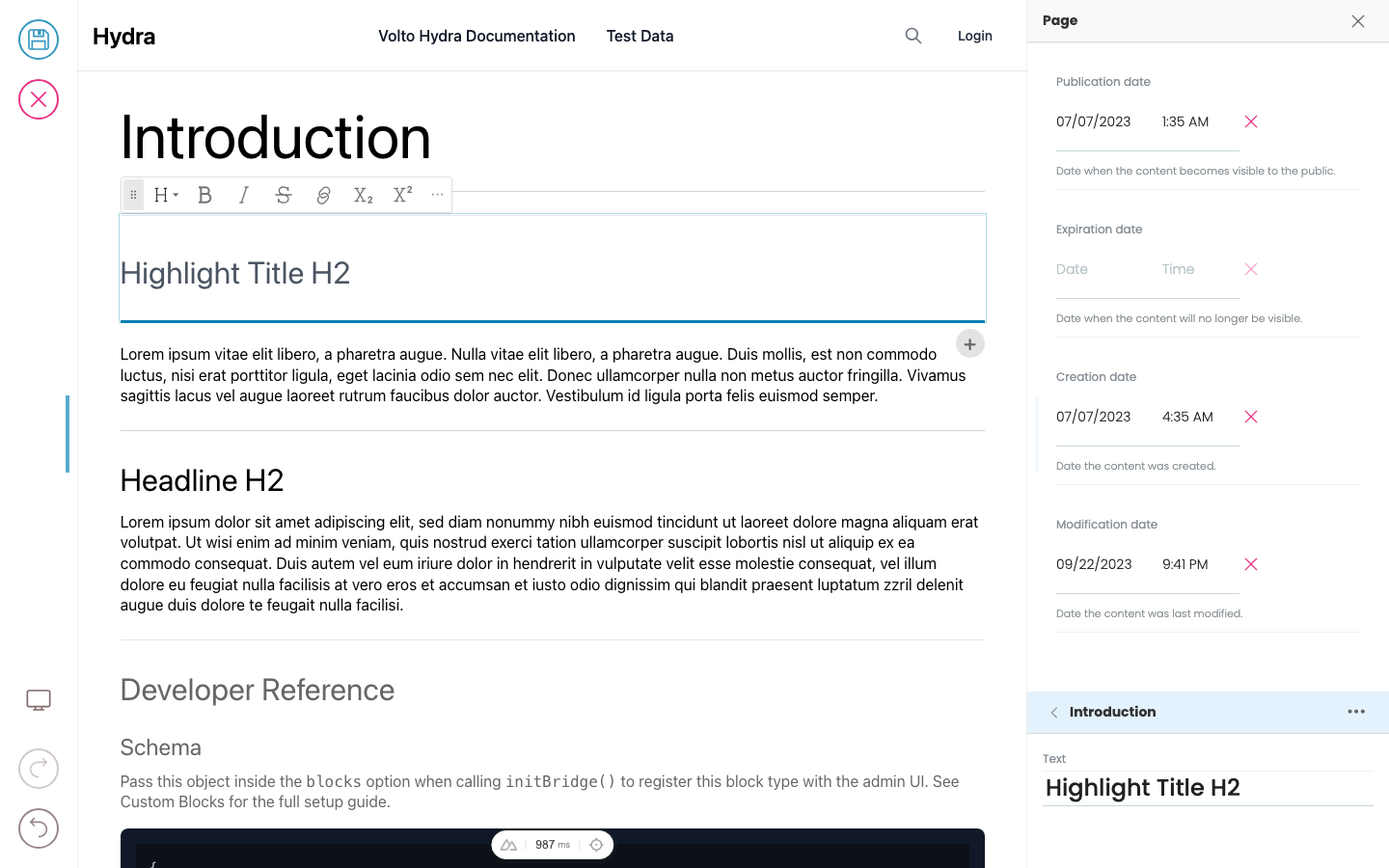
- Quick visual editing — enable it with simple HTML data attributes, no React or Vue required in your frontend
- Omni-channel — switch between multiple frontends mid-edit
- Enterprise features — versioning, i18n, workflow, and automated content rules
- Customisable — both the admin interface and block definitions are fully configurable
Try the online demo
The fastest way to feel what Hydra does is to log into the hosted demo and edit a real page against a real frontend.
Open <https://hydra.pretagov.com>, log in, then:
- Open user preferences (bottom-left).
- Pick one of the preset frontends, or paste in your own frontend URL.
- Edit any page — every change updates the live preview.
The default preset is a Nuxt.js frontend deployed as an SSG to demonstrate scale-to-zero editing on free hosting. An Astro example demonstrates the server-render pattern for static-first frameworks. See Build a frontend › Deployment patterns.
To run Hydra locally against your own frontend, see the Run Locally section of the project README.

Templates & Layouts
Templates allow editors to centrally control content and reuse content. They allow a developer to not have to hard code layout decisions and instead use rules to apply user layouts in template content stored separately from the page, or give the user a choice on which layout they want.
Table
The Table block allows you to add a table to a page.

Image
The Image content type can be used to upload an image in various formats (JPG, GIF, PNG, SVG). The uploaded image should always have a high resolution so that it can be used flexibly, for example as a banner image. Plone automatically delivers the images in the best scaling, so there is no need to scale images down manually.