Volto Hydra Documentation
A Visual Headless CMS using Plone as a server, providing true visual editing with drag-and-drop blocks and editable text — with any frontend stack you choose.
Why Hydra?
- Visual + True Headless + Open Source — a unique combination in the CMS space
- Framework agnostic — Next.js, Nuxt.js, Astro, plus server-only stacks (PHP, Django, Rails, Laravel) via the server-render pattern
- Quick visual editing — enable it with simple HTML data attributes, no React or Vue required in your frontend
- Omni-channel — switch between multiple frontends mid-edit
- Enterprise features — versioning, i18n, workflow, and automated content rules
- Customisable — both the admin interface and block definitions are fully configurable
Try the online demo
The fastest way to feel what Hydra does is to log into the hosted demo and edit a real page against a real frontend.
Open <https://hydra.pretagov.com>, log in, then:
- Open user preferences (bottom-left).
- Pick one of the preset frontends, or paste in your own frontend URL.
- Edit any page — every change updates the live preview.
The default preset is a Nuxt.js frontend deployed as an SSG to demonstrate scale-to-zero editing on free hosting. An Astro example demonstrates the server-render pattern for static-first frameworks. See Build a frontend › Deployment patterns.
To run Hydra locally against your own frontend, see the Run Locally section of the project README.
Grid-Listing
The Grid block allows adding multi-column blocks. A grid block can contain between one and four columns of different blocks. This is a grid block with multiple listing blocks.
Build a frontend
The actual code you write will depend on the framework you choose. You can look at these examples to help you:
Content Types
This section has a sample of content types available in this site.
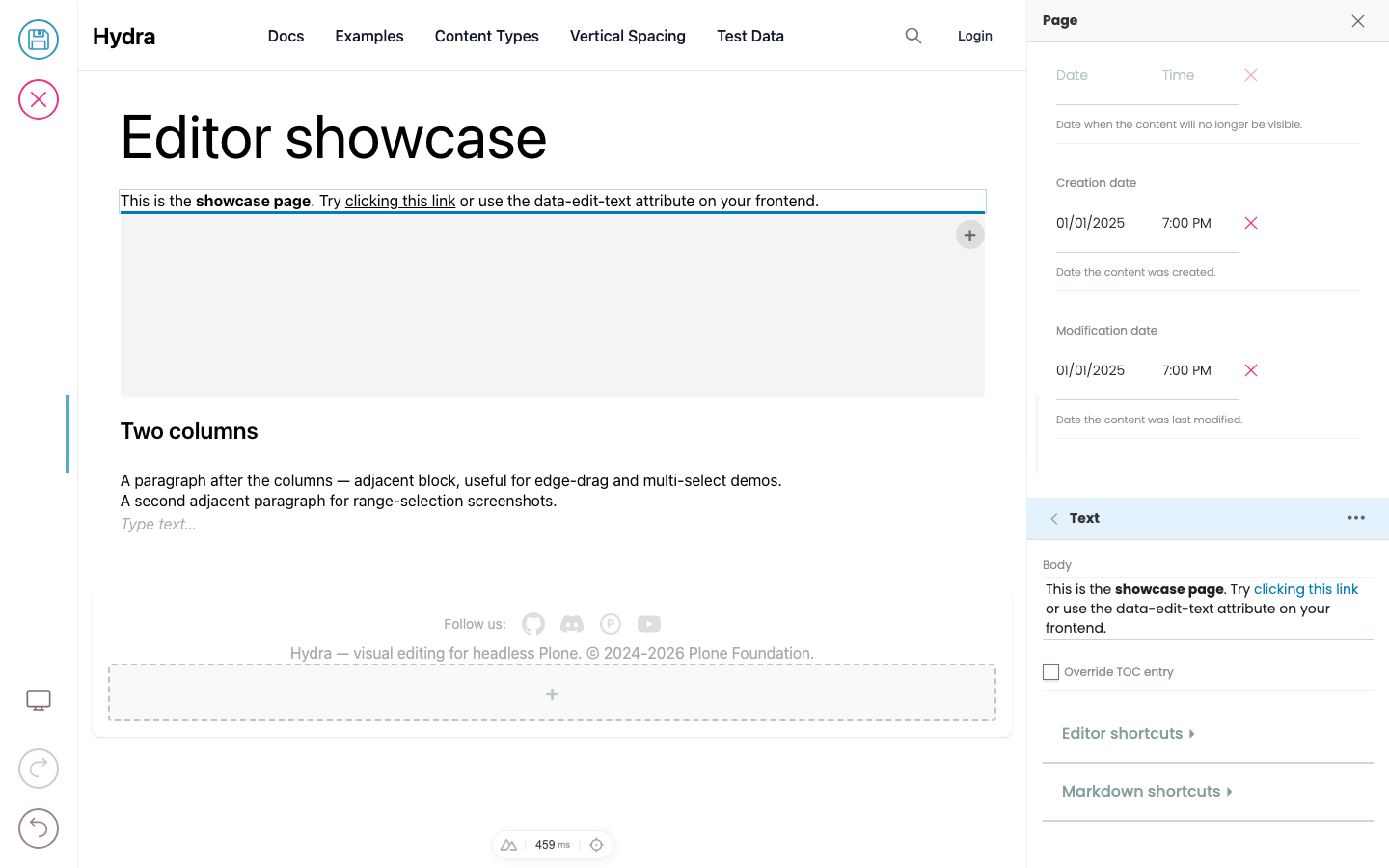
Editing text
Click into any text in the preview that's marked inline-editable and start typing. There are two kinds of text fields: simple text (like a title) and slate (rich text — the body of a paragraph block, descriptions, etc.).
Page
The Page content type can be used to display content on a single page of the website. Pages can be structured using text, images and blocks.