Containers
A container block holds other blocks inside it — sliders, columns, accordions, grids, generic sections. The blocks inside are called its children. Containers can be nested (a column inside a row inside a section).
This page covers operations that change container structure: wrap a selection, unwrap a container, drag the edge of a container to absorb or expel adjacent blocks, and convert a container's type while keeping the children.
Wrap
Select one or more blocks (see Selecting blocks), then choose Wrap in... from the Quanta toolbar dropdown (or sidebar block actions). A popup shows container types that:
- Accept every selected block type (their
allowedBlockscovers the selection). - Are themselves allowed in the current parent container.
Pick one. The selected blocks are pulled out of their original positions and placed as children of the new container, in the original order. The new container takes the first selected block's position.
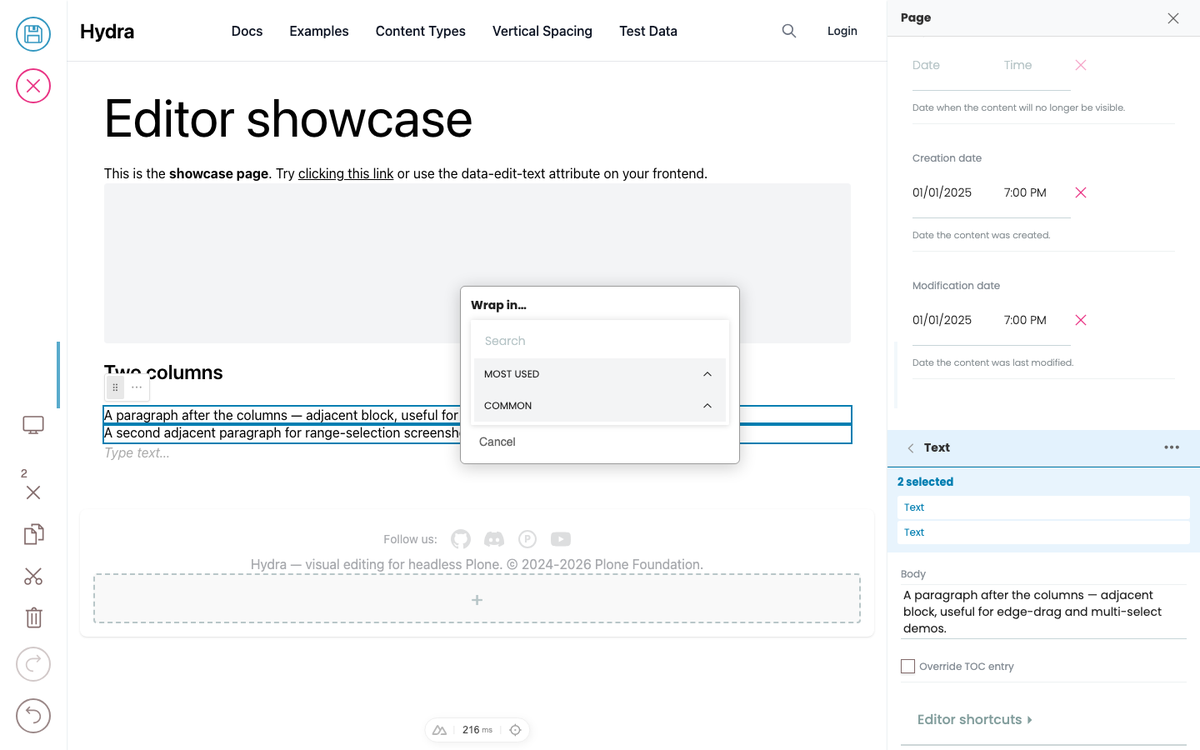
Use this to retroactively group content — e.g. wrap two paragraphs and an image into a card, or wrap three columns of content into a row.
Unwrap
Select a container in block mode (one Escape from text mode). Choose Unwrap container from the Quanta toolbar dropdown.
The container's children are promoted to the parent at the container's position, and the container itself is removed.
Unwrap is disabled when the parent wouldn't accept some of the children — for example, if the children are columns and the parent's allowedBlocks doesn't include columns. Hover the disabled action for the reason.
Edge-drag
When a container is selected (block mode), thin edge handles appear on the container's borders. Drag a handle:
- Outward — the adjacent block(s) on that side get absorbed into the container as new children.
- Inward — the edge-most child blocks of the container get expelled to the parent at the container's position.
Multiple blocks can cross in a single drag — keep dragging and a "ghost boundary" line shows where the new edge will land. Release to commit. Until release, the page DOM is unchanged; you can drag back across blocks to restore.
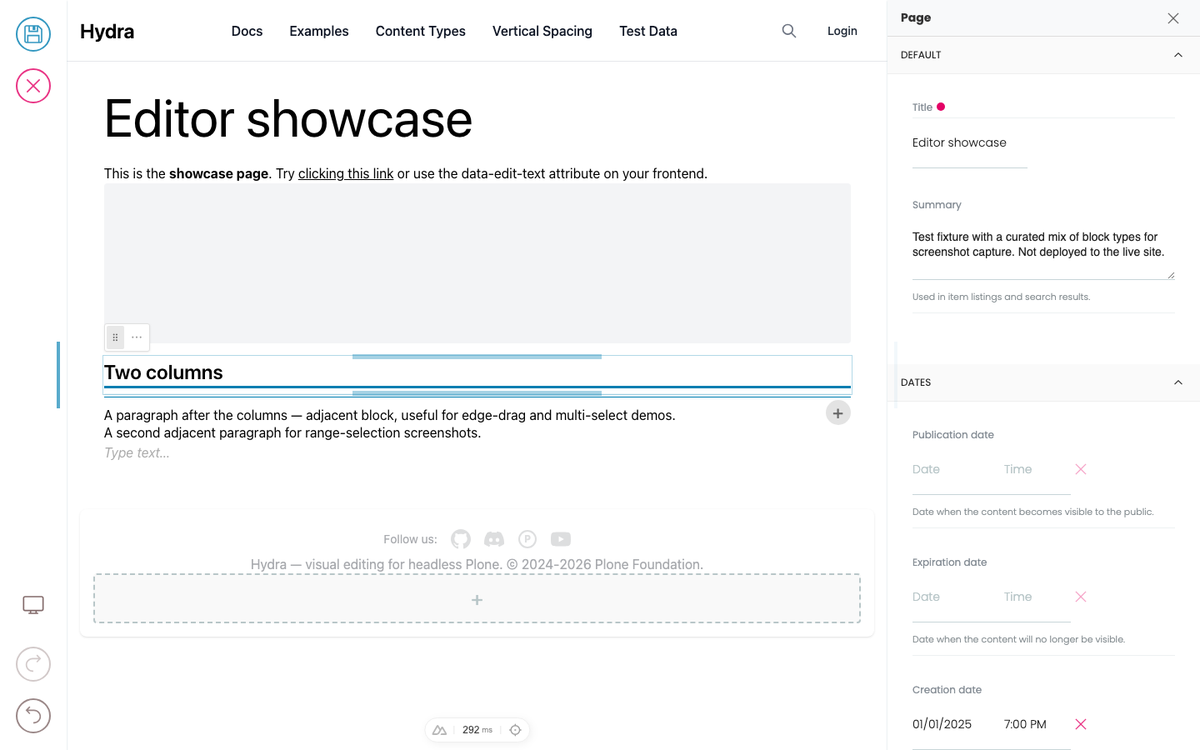
This makes a container feel like a resizable divider: drag its edge to "grow" it across adjacent content rather than dragging blocks one at a time.
Edge handles only appear when the container is selected. They don't render on edges where there's nothing to do (the page edge, or against a fixed/readonly block that can't be moved).
Convert (change container type)
In the Quanta toolbar dropdown, Convert to... lists block types this block can be converted to. For containers, conversion preserves the children:
- Layout shape conversion — children move into the new container's layout field automatically (whether the source uses
blocks_layoutorobject_list). - Recursive child conversion — if some children's
@typeisn't in the target'sallowedBlocks, those children are themselves converted (using theirfieldMappings) so they fit. If no path exists, the conversion target is shown disabled with a tooltip.
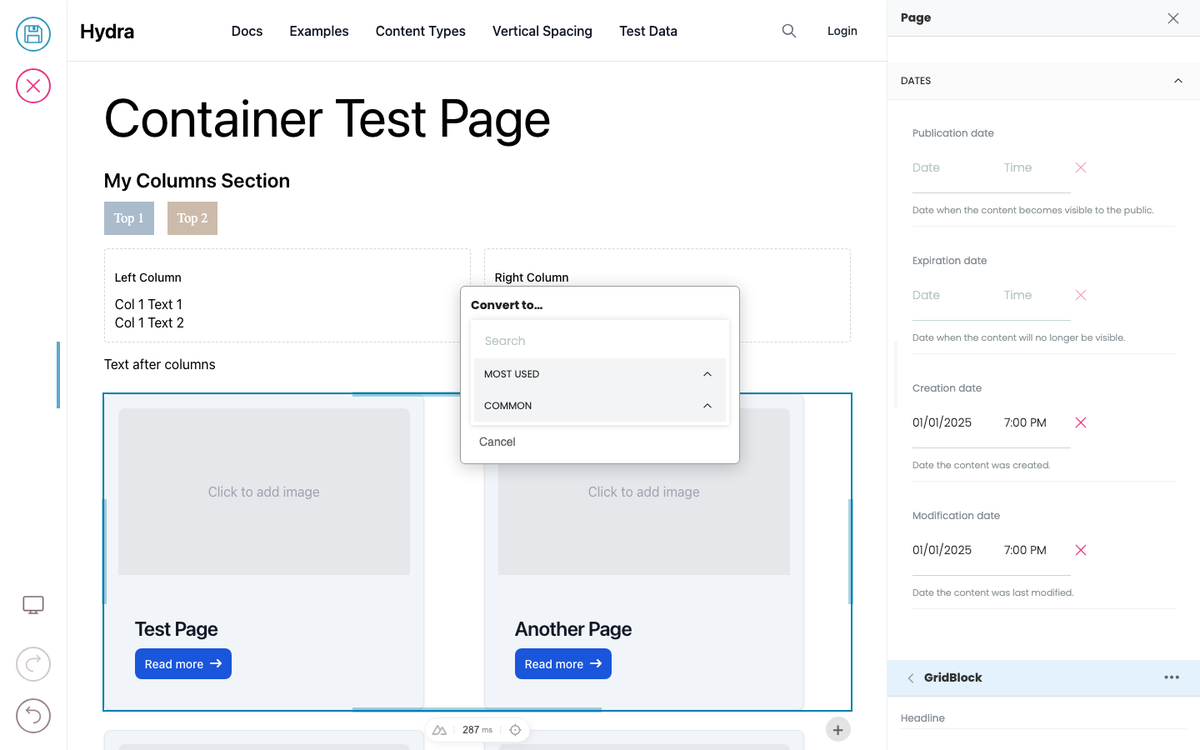
Use this to reshape an existing layout — e.g. a 2-column row into a 3-column grid, or columns into an accordion.
The section block
section is a generic container that accepts any child block type. It's useful when you don't have a more specific container for what you're building — a "marketing section", a "case study block", a "page break with anything inside". Frontends typically render it as a <section> element with optional styling.
Limits
- A container with
fixedorreadOnly: true(typically inherited from a template) can't be unwrapped or have its children rearranged via edge-drag. You can still edit child blocks if the children themselves aren't readonly. - A container's
maxLengthcaps how many children it can hold — wrap and edge-drag respect this. The action shows disabled with a tooltip if respecting it would mean refusing the operation. - When dragging children between containers via edge-drag, the destination's
allowedBlocksfilter still applies. A block that's not in the target'sallowedBlocksis skipped from the absorb plan.
Things still on the roadmap
- Split — drag a container's edge outward through itself to create a sibling container of the same type with the children divided between them.
- Merge — combine two adjacent same-type containers into one.
- Tab / Shift+Tab — keyboard nest / unnest from inside a container.
- Sidebar drag-to-reparent — drag a block in the sidebar outline to move it under a different parent.